
Features
Everything in OsmicPeople, exactly as it works today
No roadmap items here. If it’s listed, it’s in the product — included in every plan, unless it carries an Add-on badge.
People
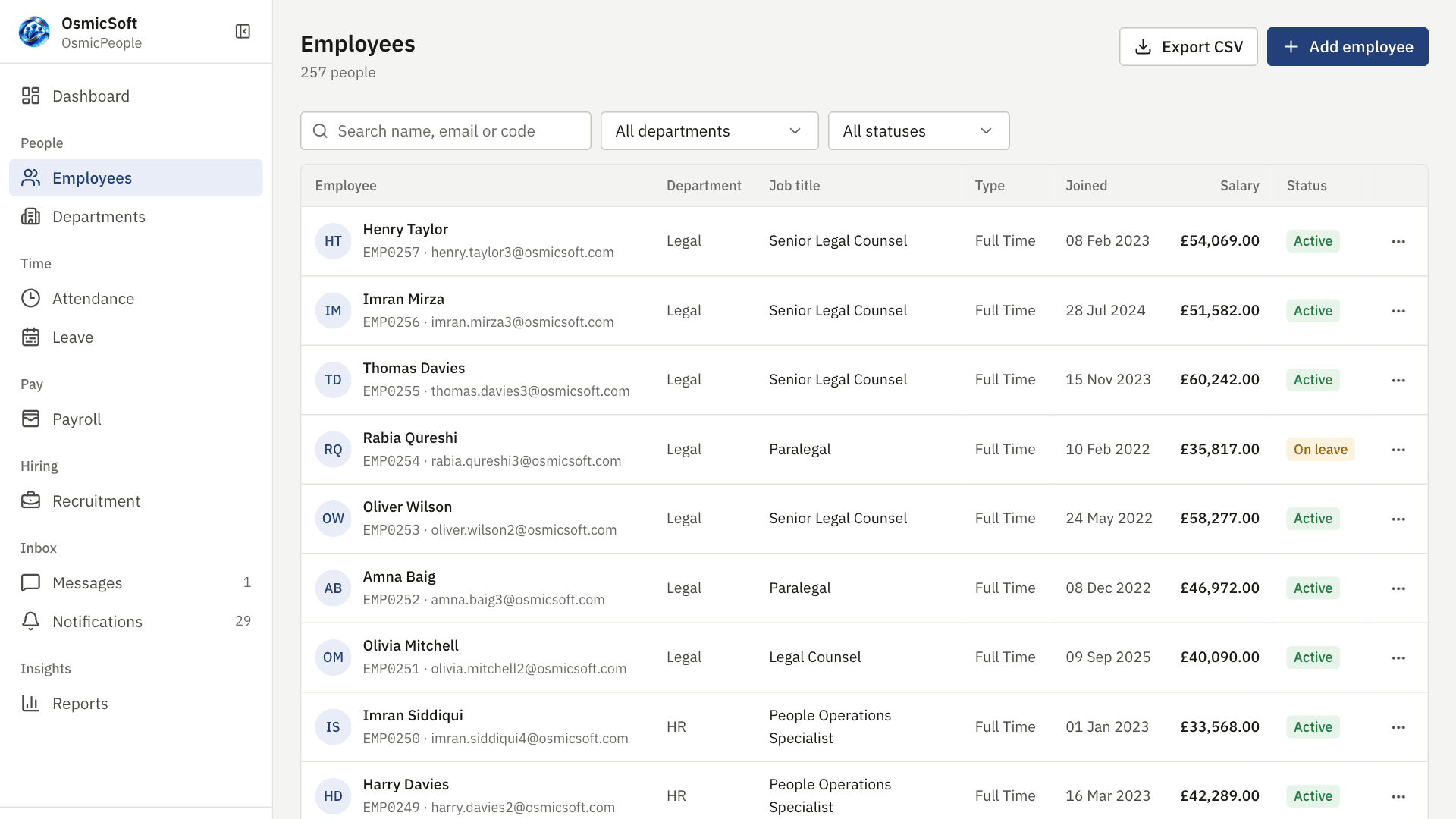
One record per employee, from offer to exit.
- Full employee profiles with documents, bank details and emergency contacts
- Department tree with heads and headcounts
- Termination with exit date, reason and automatic access removal
- Re-enrol leavers without duplicate records
- Identity documents masked and every reveal audited
Attendance
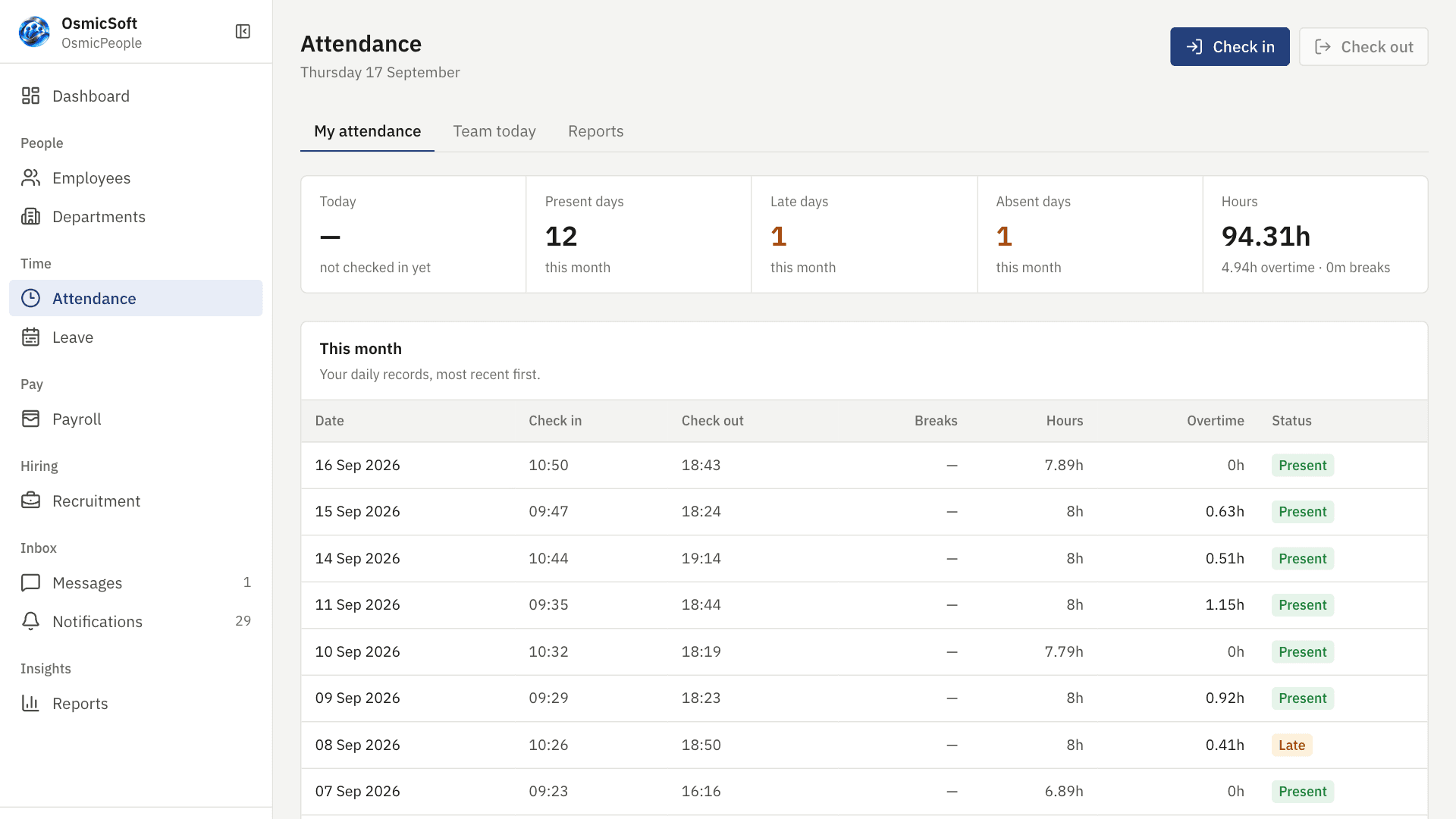
Check in, take breaks, check out — with the rules you set.
- Browser check-in and check-out with late detection
- Breaks recorded during the day and deducted from hours
- Company working days, expected hours, half-day and overtime rules
- HR corrections that require a reason and keep the before/after
- Team view for today and exportable reports
Leave
Requests, approvals and balances that follow your calendar.
- Working-day counting that skips weekends and your holidays
- Half-day leave, on-behalf requests and required documents (e.g. sick notes)
- Manager approval with overlap, notice and balance checks
- Cancellation that restores balances
- Year-end carry-forward per leave type
PayrollAdd-on
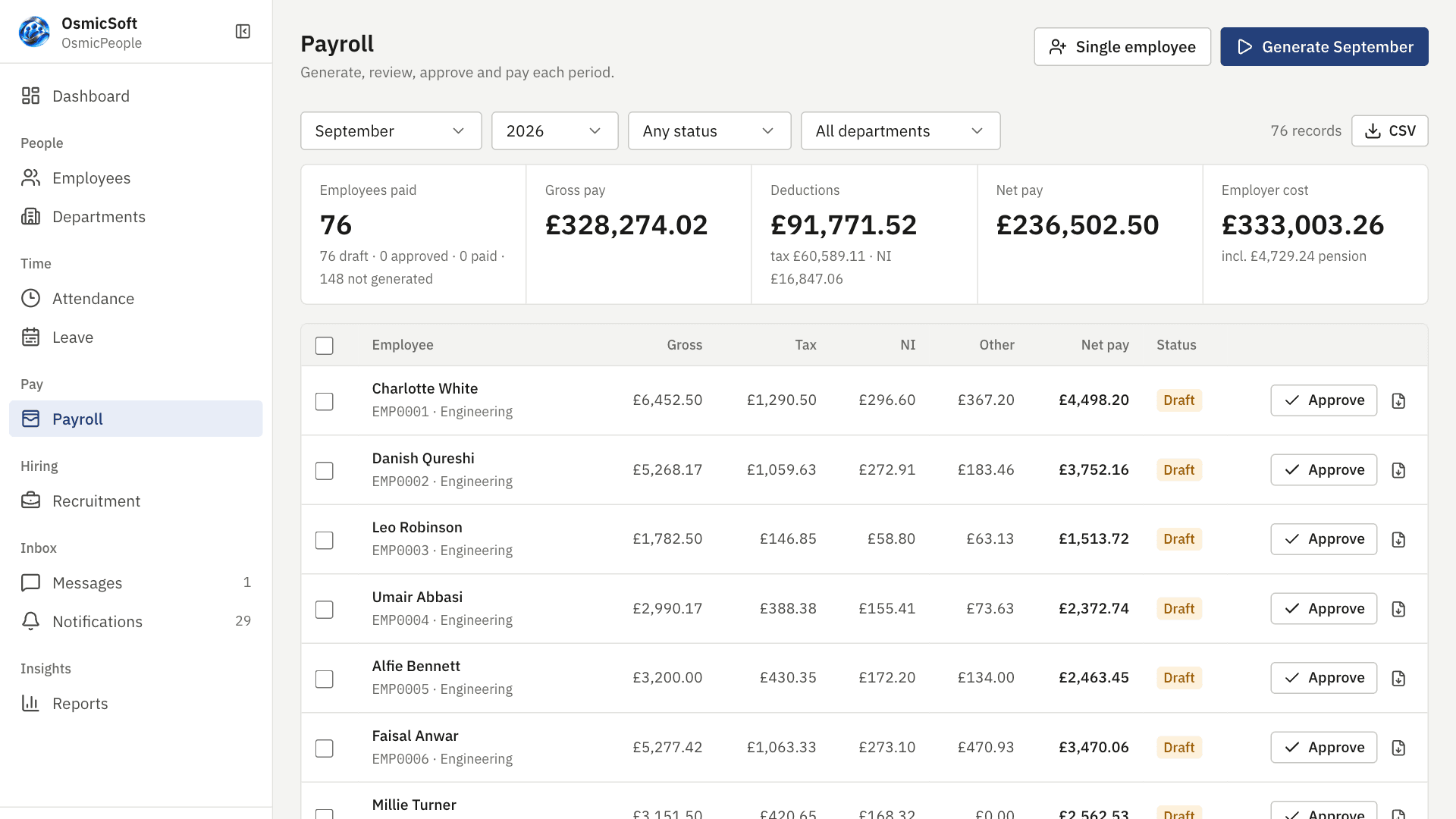
Payroll run in-house, payslips in every inbox.
Statutory rules for 13 countries, with UK PAYE modelled in full. Your people download their own payslips.
- Income tax with tax codes (BR, D0, D1, NT, 0T, K) and month-1 basis
- National Insurance, student loan plans 1/2/4/5/PG, auto-enrolment pension
- Bonuses, allowances and deductions per run
- Draft → approved → paid workflow, singly or in bulk
- Branded PDF payslips with tax-year-to-date figures, emailed as secure links
RecruitmentAdd-on
From job post to hired employee in one pipeline.
- Job postings with a public careers page for applications
- Applied → screening → shortlisted → interviewing → offered → hired
- Stage history, rejection reasons and restore
- Hiring creates the employee record and invitation in one step
Documents
Ask for what you need and know when it arrives.
- Document requests with due dates and reminders
- Secure uploads validated by type and size
- Downloads only for people with a relationship to the record
- ZIP archive of an employee’s file
Onboarding & offboarding
Checklists that make every start and every leaving day the same.
- Your own templates per department or employment type
- Tasks with owners, deadlines, approvals and proof
- Visibility per task (everyone, manager and HR, or HR only)
- Reminders before and after due dates
- Versioned templates — running checklists are never broken
MessagesAdd-on
Private messages where people already are.
Notifications and email alerts are included in every plan; one-to-one messaging is the add-on.
- Real-time one-to-one messaging with attachments and search
- Read receipts and typing indicators
- In-app notifications with per-event email preferences (included in every plan)
- Branded transactional email for every workflow
ReportsAdd-on
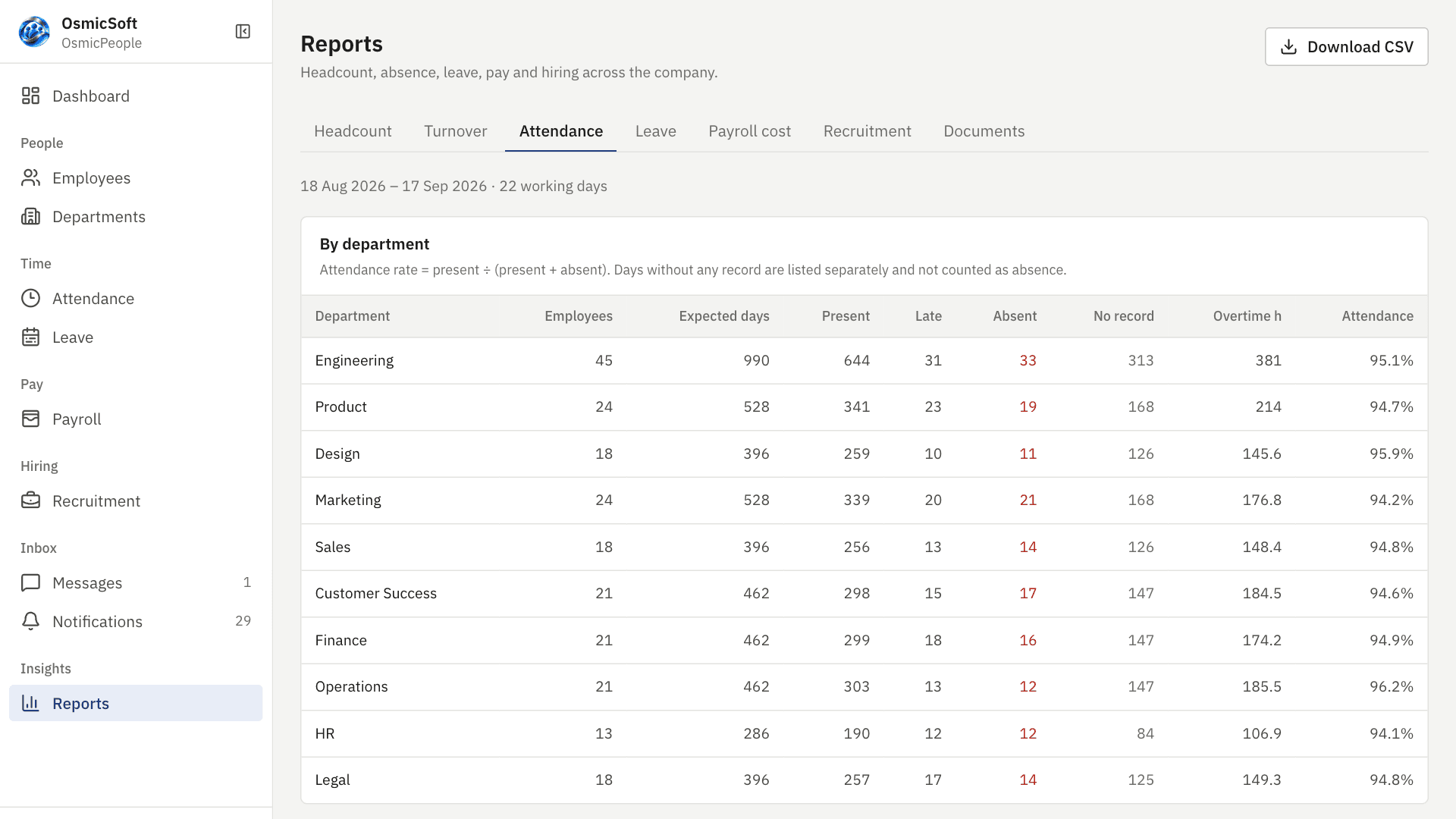
Answers, not exports — though you can export too.
- Headcount, turnover, attendance, leave utilisation
- Payroll cost by month and department
- Recruitment funnel and time-to-hire
- Outstanding documents; CSV on every report
See it with your own team
Set up your workspace in an afternoon, or let us show you around first.